
Emberhouse / In-house case study
From Template to Experience.
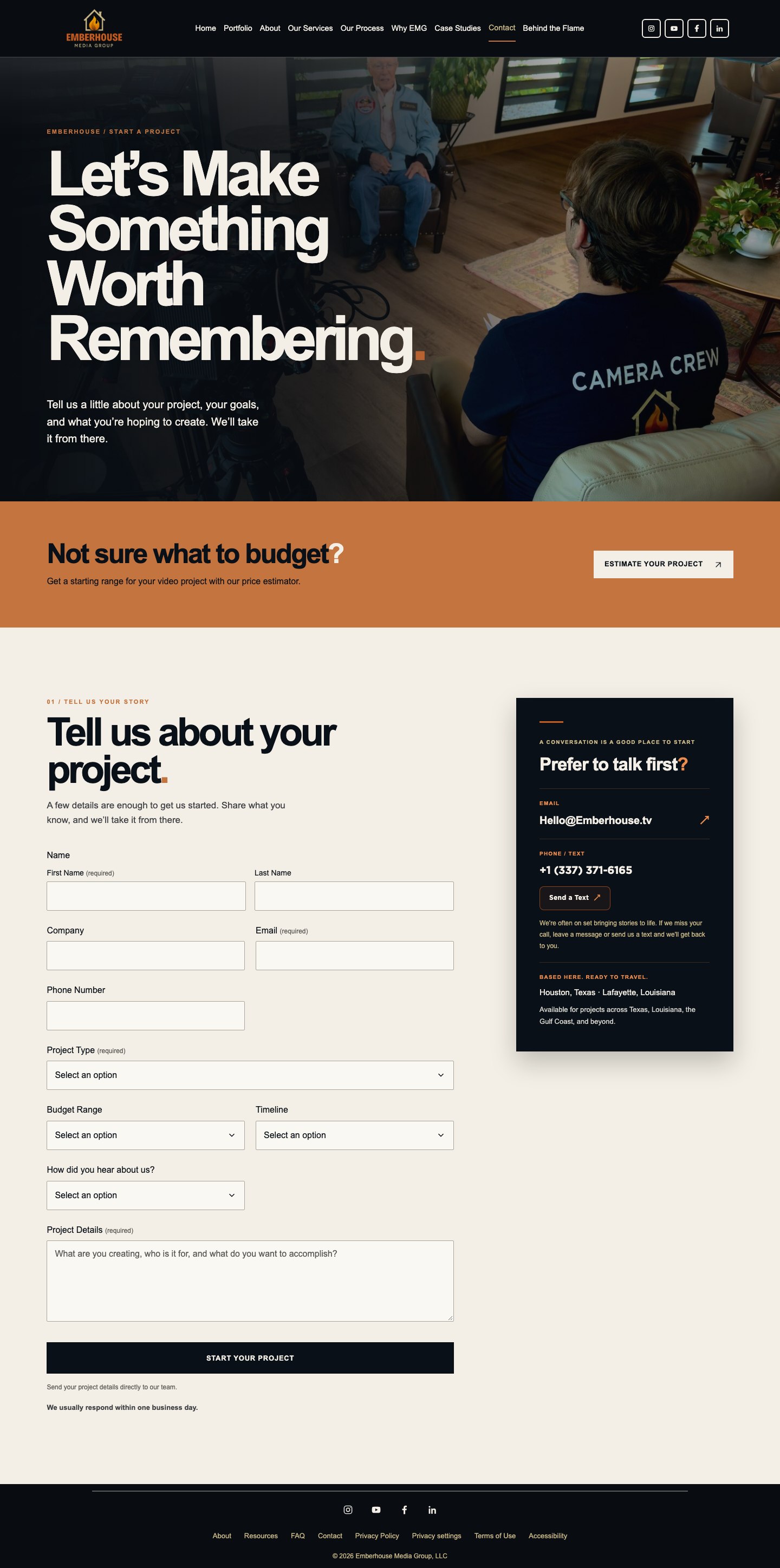
We built the Emberhouse website to feel like the films we make. Then we gave it a second job. Today, someone can watch a film, find a direction for their own project, get a starting budget range, and bring an editable brief into their first conversation with us.

Before and after / Scroll or select a chapter
The site, then and now.
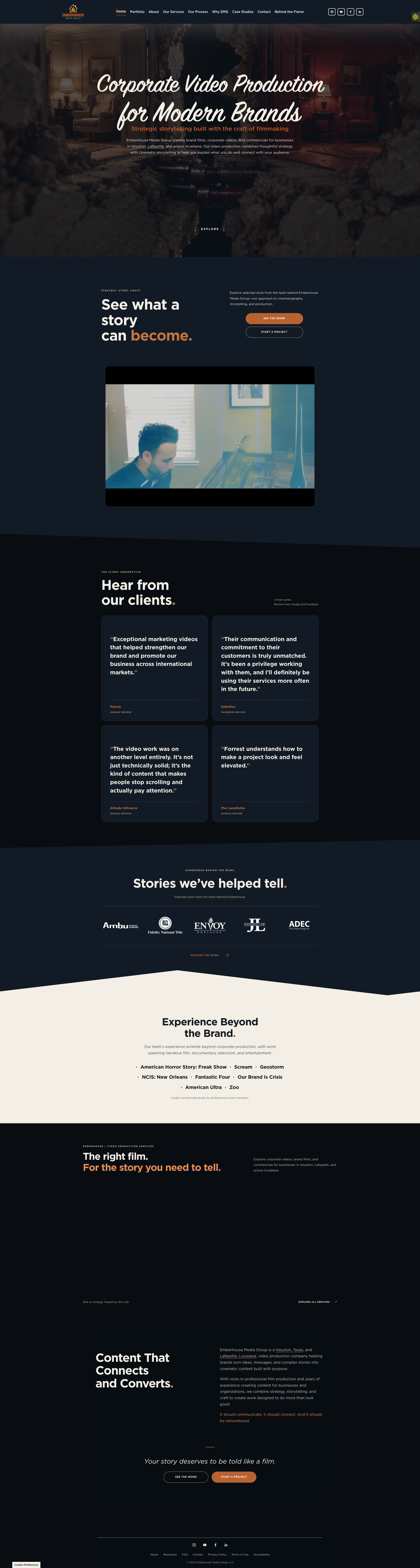
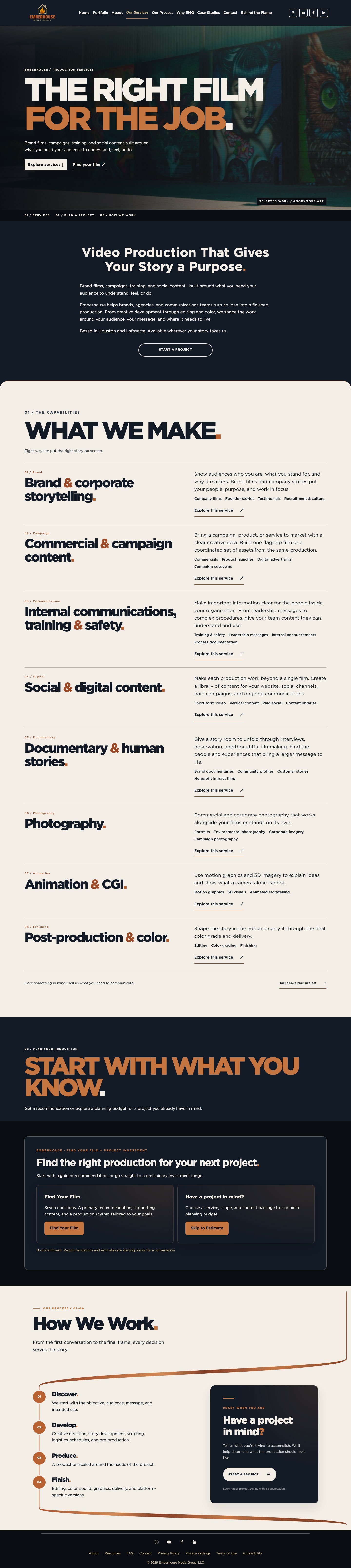
A text-led homepage gave way to a film-first opening with clearer corporate video positioning.

01 / The Challenge
What happens after the film ends?
A film can give someone a feel for our work in a few minutes. The questions that follow are more specific. What kind of production would work for their audience? What should they set aside for it? What do they need to know before they reach out?
The first version of the site gave us a place to show the work. As Emberhouse grew, we wanted the site to explain what we do for brands in Houston, Lafayette, and beyond, and give people somewhere to go with the questions a good film leaves them asking.
02 / The Experience
Start with the work.
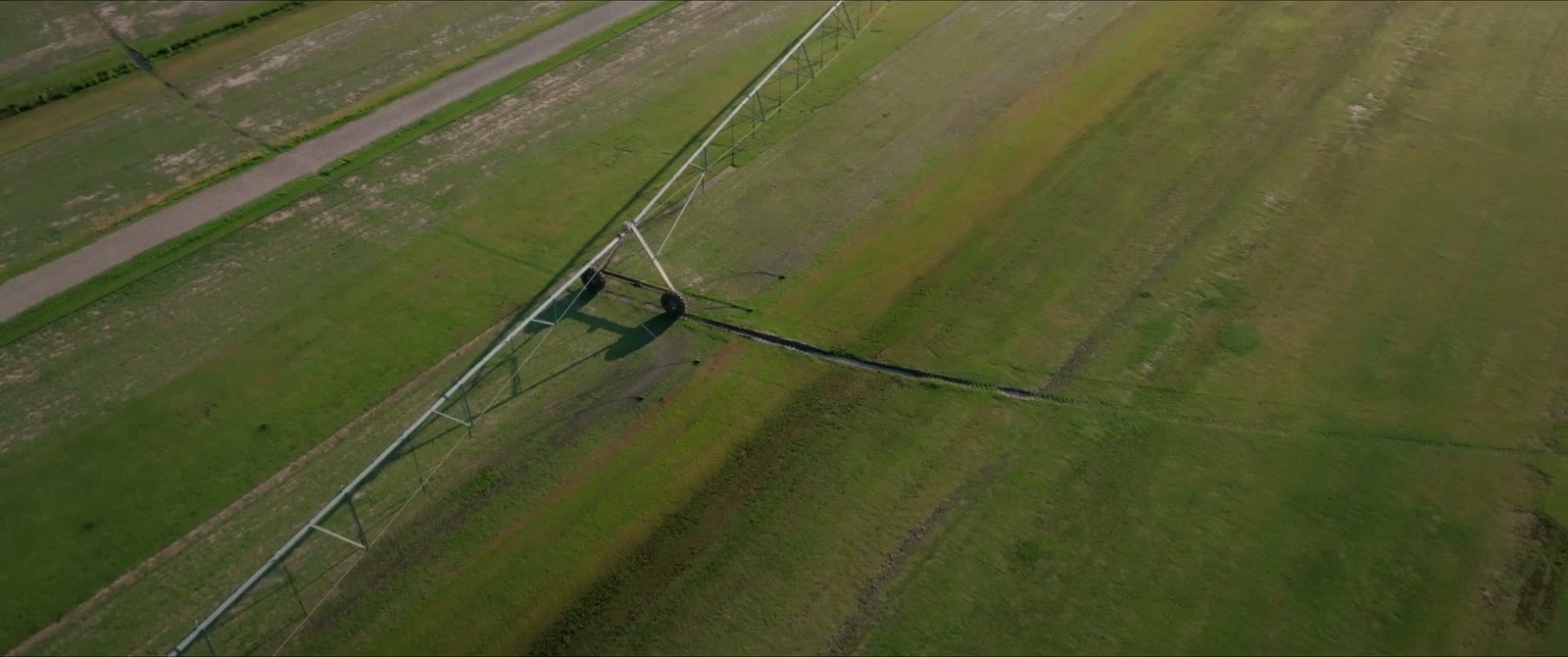
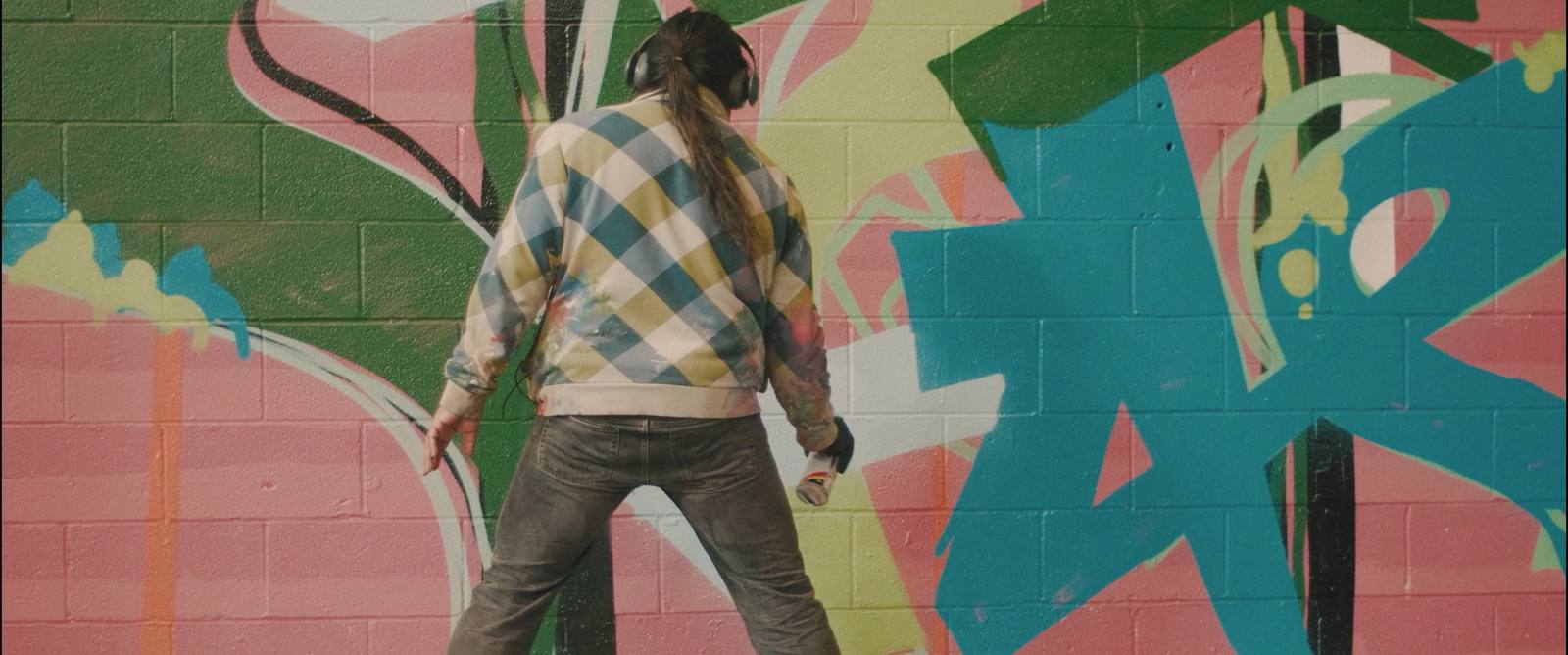
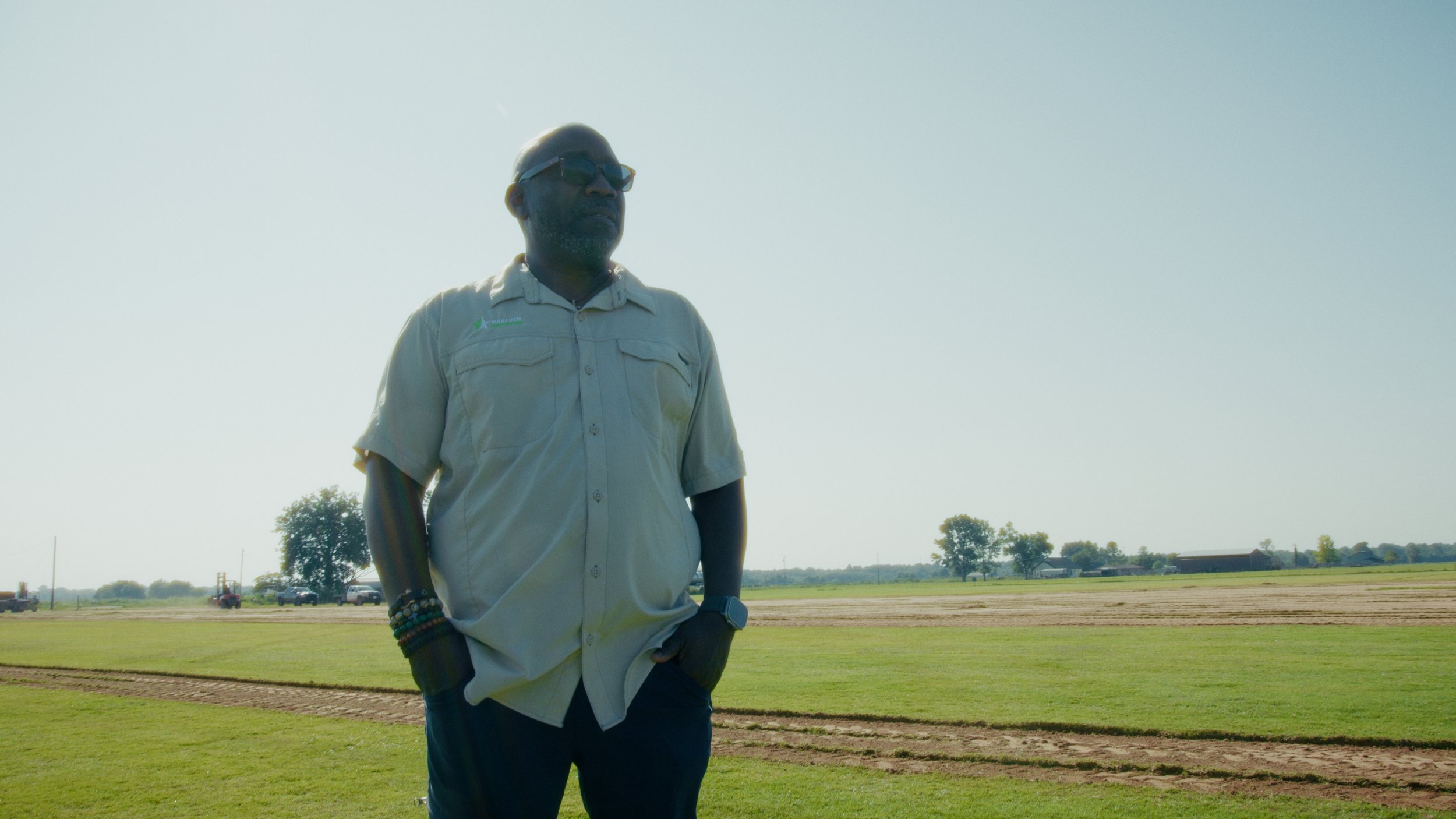
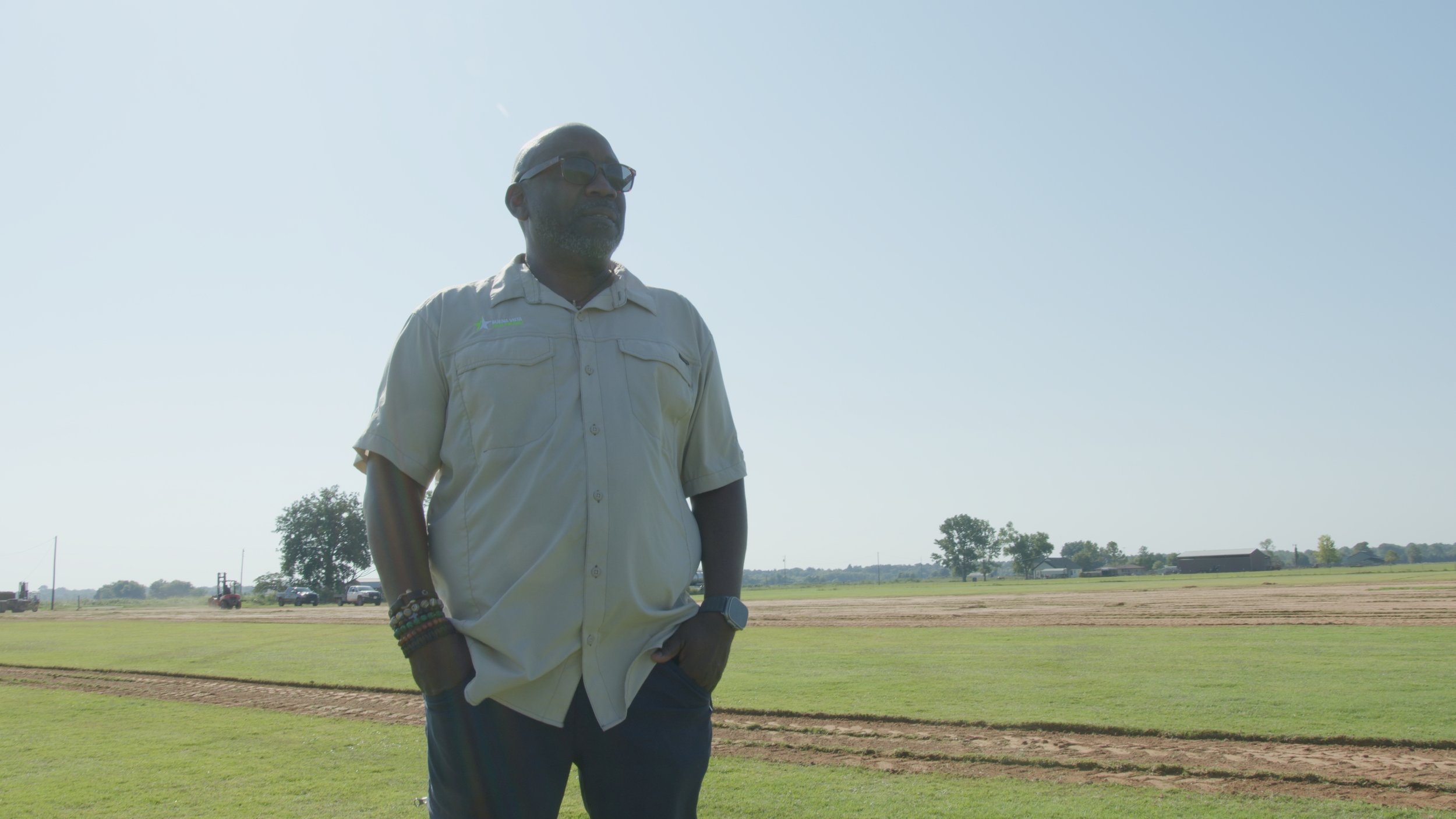
The homepage introduces Emberhouse as a corporate video production company and puts three different kinds of work up front. Tokyo uses typography and atmosphere to set the tone for a title sequence. Buena Vista Turf Farm shows how a brand film can make the scale and people behind an operation tangible. Anonymous Art takes a more intimate look at an artist and the creative process.
In the portfolio, visitors can browse by the kind of work they have in mind, from brand films and commercials to documentaries, internal communications, and explainers. Selected projects lead to case studies that explain the decisions behind the finished film. The color-grading comparison lets visitors choose a shot and move between the original footage, the base conversion, and the final grade.
Explore the portfolio ↗︎Inside the portfolio / Color grading
Drag to see the grade.
Compare the base conversion and final grade on the same interview frame. Drag across the image or use the slider and arrow keys.
03 / Project Planning
Give the idea some shape.
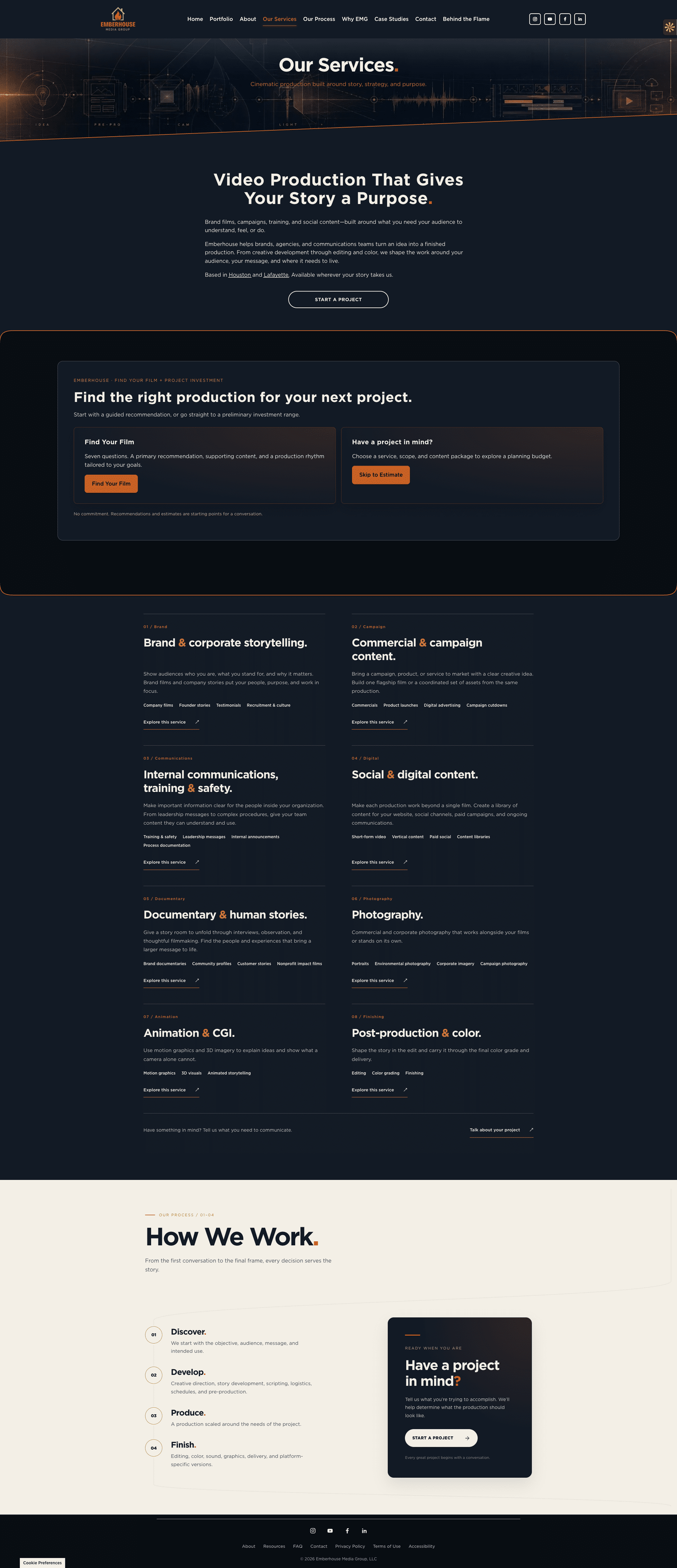
Someone might come in looking for a brand film. They might also know only that a new product needs explaining or that employees need to learn a procedure. Find Your Film uses guided questions to help visitors narrow down what kind of production fits. The price estimator gives them a starting range for the budget conversation.
The production process is there to answer the next question. It shows what happens from discovery through development, production, and finishing, so visitors can see where their team will be involved and how an early idea becomes a finished piece.
Explore services and Find Your Film ↗︎04 / The Handoff
Bring the brief into the conversation.
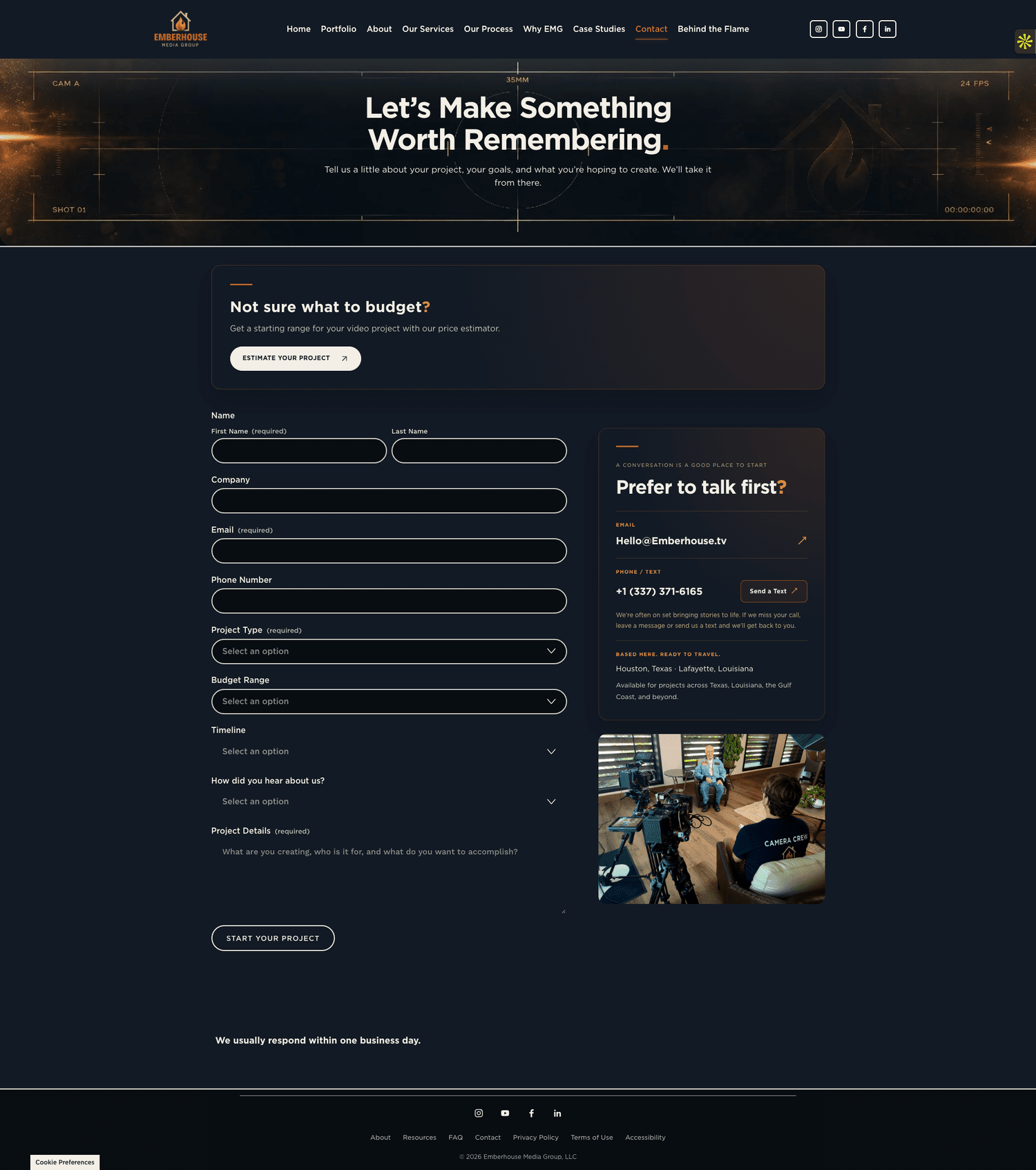
The detail that ties the experience together is what happens at the contact form. Visitors can review a project brief and choose to carry it forward. It arrives in the Project Details field, where they can edit it before sending the inquiry. They can also copy the brief to share with their team.
Say a marketing lead watches Buena Vista Turf Farm and wants a film that shows how their own operation works. They can browse other brand films, explore what a production might involve, and get a starting budget range. When they reach out, they can bring the brief with them and add the details that matter to their project, like which people should be on camera or when the film needs to launch.
Start a project ↗︎- What should the film show?
- How our operation works and the people behind it.
- Who could be on camera?
- Our operations lead and two members of the field team.
- When does it need to launch?
- Before our fall sales campaign.
Reviewed brief →︎ Editable Project Details
Interactive example / No information is sent
Start with a reference.
Imagine you’ve just watched Buena Vista Turf Farm and want to tell a story about your own operation.
What should your film do?
Your goal carries forward.
05 / The Build
How the site evolved.
May 2025
The foundation
We launched on Squarespace, which gave us hosting, content management, and a first home for the portfolio.
October 2026
A more cinematic site
We used custom HTML and CSS to build layouts around the films. JavaScript added motion and video interactions. The work brought familiar filmmaking decisions into web design, from what a visitor sees first to how long a moment needs to breathe.
The current site
From viewing to planning
The portfolio collections, service pages, planner, estimator, and contact form now give visitors ways to act on what they’ve seen. A small but important piece of custom development carries the reviewed brief between pages and puts it where the visitor can still change it.
06 / What We Learned
The details between pages matter.
Motion can set the pace, but a visitor who has already thought through their project should be able to pick up where they left off. The editable brief made that design principle concrete. The site can carry the work forward while leaving the visitor in control of what they send.
Building inside a hosted platform also made testing part of the design process. Video playback, page transitions, and layout can behave differently on a phone. Each round of refinement brought us back to the same questions. Can people watch the work easily? Can they find the information they came for? Can they take the next step when they’re ready?
07 / A Historical Snapshot
The site through November 1, 2026.
- Total visits
- 3,169
- Unique visitors · Approx.
- 2,500
- Pageviews · Approx.
- 8,700
Source data comes from Squarespace Analytics and includes activity before the October 2026 redesign. Squarespace displayed unique visitors and pageviews as rounded figures.
08 / The Next Chapter
See where an idea can go.
The site is still evolving. If you’re curious about the build, start where a prospective client would. Watch a film, find a project that feels relevant to yours, and see what you’d bring to the first conversation.